
-
Welcome! The TrekBBS is the number one place to chat about Star Trek with like-minded fans.
If you are not already a member then please register an account and join in the discussion!
You are using an out of date browser. It may not display this or other websites correctly.
You should upgrade or use an alternative browser.
You should upgrade or use an alternative browser.

I know, I'm the exact same way as those folks.that's why people use tools like classic shell or the Windows 11 debloaters.
But that fact that this issue even has to exist shows how out of touch the "Upper Management" is with their core audience and how they need to be relieved of their position.
Things at MS went down-hill fast when Satya Nadella took over as CEO of MS.
I'd argue that that shifting the start menu is the least of the issues - that's simply changing things from what people are used to that annoys them (I had a client years ago who had software on her system to make sure icons on the desktop stayed in the same place otherwise she got unhappy).Yeah, it's a disgrace that people have to fix what they've bought to make it halfway usable..
Bigger issues are things like splitting between control panel and settings.
Or dealing with Microsoft 365. Apart from the abomination that it's cockpit (or any pretty much any ai system) they love to fucking fiddle so any documentation that helps solve a problem one month no longer applies the next cos they've changed everything.
Wow. Just the disk or a working copy?
working copy as in on my laptop
Not going to be too long before the retro computing forums start talking about the Vista because it falls into the category.
Talk about depressing
what
theres a retro computing forums
r/vintagecomputing and r/retrohomelab on reddit and probably others as well.what
theres a retro computing forums
then you get them on youtube. My Sunday seems a bit empty without a Usagi Electric (usagi = Japanese for rabbit) which is David Lovett down in Texas boy does he get retro (apart from being bery entertaining and a good communicator). Over the past couple yes he's restored a Bendix G15 which is now one of the oldest (2nd iirc) operating digital computers in the world.

God I hate what the current Windows team did to the Windows 11 Start Menu.
It's like they intentionally are designed by people who don't use any DeskTop computers in the past 3 decades, just to fulfill a check box to show that they did some work that wasn't necessary.
Yeah, I know right? The first thing I did was go into the personalization options and switch the taskbar to left-justified, or something to that effect. I absolutely hate that it defaults to a centered position. Not only is it butt-ugly while centered, but it's a waste of good screen space. I don't know who decided it was a great idea for a desktop to have a centered taskbar. And yes, I hate the default start menu too. It's the reason why I use the classic shell. It's so much better from a user standpoint when non-touchscreens aren't forced to use a touchscreen designed UI.
It's for reasons like these I wish MS would include more customizablity options when it comes the start menu out of the box. Give users the option for classic style.
I bet you it's some 'Young Whipper-Snapper' PM who never grew up with a classic computer OS and grew up on iOS or Android.Yeah, I know right? The first thing I did was go into the personalization options and switch the taskbar to left-justified, or something to that effect. I absolutely hate that it defaults to a centered position. Not only is it butt-ugly while centered, but it's a waste of good screen space. I don't know who decided it was a great idea for a desktop to have a centered taskbar. And yes, I hate the default start menu too. It's the reason why I use the classic shell. It's so much better from a user standpoint when non-touchscreens aren't forced to use a touchscreen designed UI.
It's for reasons like these I wish MS would include more customizablity options when it comes the start menu out of the box. Give users the option for classic style.
And tries to shape the OS GUI in their experience w/ ZERO care for the entire audience of Windows Users who came before it.
I bet you it's some 'Young Whipper-Snapper' PM who never grew up with a classic computer OS and grew up on iOS or Android.
And tries to shape the OS GUI in their experience w/ ZERO care for the entire audience of Windows Users who came before it.
The thing that gets me is that we've all been taught how to maximize our screen space for decades, especially in the CRT days, then someone gets the brilliant idea that the taskbar should be centered. Can you imagine someone trying that on a 4:3 screens?? Well, it's one thing to center a website in terms of reading experience, but it's different when it's your workspace. It's all about workflow, and arguably, one could say a centered taskbar reduces workflow. It's certainly more noticeable and not in a good way. It'd be like a real-world equivalent to someone putting an anvil in the middle of a desk. Sure, you can have it moved, but it's the very idea that someone thought it was a good idea to put it right in the middle of where you work would be baffling.
The thing that gets me is that we've all been taught how to maximize our screen space for decades, especially in the CRT days, then someone gets the brilliant idea that the taskbar should be centered. Can you imagine someone trying that on a 4:3 screens?? Well, it's one thing to center a website in terms of reading experience, but it's different when it's your workspace. It's all about workflow, and arguably, one could say a centered taskbar reduces workflow. It's certainly more noticeable and not in a good way. It'd be like a real-world equivalent to someone putting an anvil in the middle of a desk. Sure, you can have it moved, but it's the very idea that someone thought it was a good idea to put it right in the middle of where you work would be baffling.
Doesn’t matter to me if it’s in the centre , same with the start menu it’s selfbut if the fucking thing doesn’t hide then I get annoyed.
Though it’s not as obnoxious on Linux.
And can’t say I miss 4:3 monitors. Last time I used them regularly was when I did a 10month stint working in a call centre but since 2017 it’s been windscreen as the way.
Currently run as 42” ultrawide but can’t use it’s full resolution as Sunshine\Moonlight doesn’t support 5120x1440.
And can’t say I miss 4:3 monitors.
Yeah, I don't either. But I mean that in those days, we learned to appreciate what we had to squeeze as much out of the space as we could, and when widescreens came around, it was like an entire kingdom. The centered taskbar reminds me too much of the 4:3 era and feels like a constraint and not a good use of space.
Yeah, I don't either. But I mean that in those days, we learned to appreciate what we had to squeeze as much out of the space as we could, and when widescreens came around, it was like an entire kingdom. The centered taskbar reminds me too much of the 4:3 era and feels like a constraint and not a good use of space.
And when you look back you wonder - how did we we manage to live with comparatively low resolution on 14" monitors while those luck enough had unix workstations with 17 and 20" monitors.
Thought it was great a uni getting to use the X-terms with their 17" monitors.
I was running FreeBSD at home I was familiar with the environment though only had a 14" monitor (also learned that C code that compiled on FreeBSD would not compile on Solaris).
Did have a Sun 3/60 that had a 20" monochrome monitor but never managed to get the thing to remote boot.
Benefits:
- The impacts to DRAM Read/Write Latency could be dramatic.
- From 50 ns down to 5 ns. In some lab settings, it could be down to 1 ns.
- Lower Read/Write Power consumption = Lower Heat = More Battery Time in your mobile devices.
- Data Retention in DRAM up to 10 years w/o refreshing.
Last edited:
For smaller chips

 phys.org
Perhaps good for hobbies too?
 phys.org
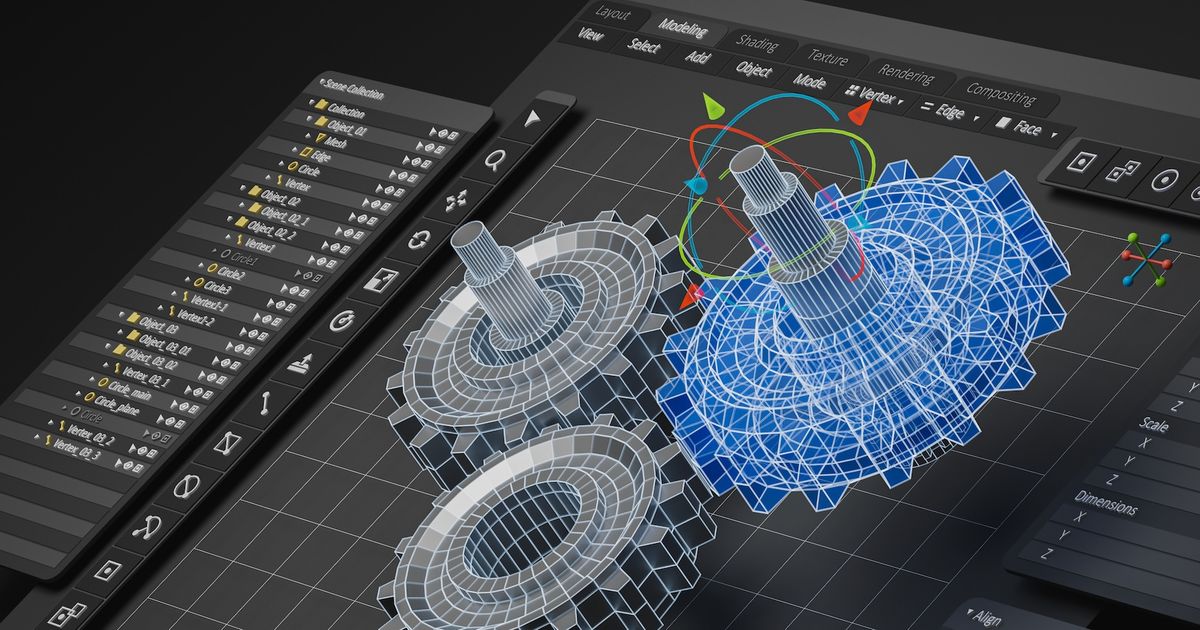
Most exciting is how A.I. can reduce chatter in CNC tools:
 www.imts.com
It is free for a time

 www.lambdafunction.ai
Now, what I would like to know is--could A.I. back-engineer a mold by scanning a model's parts tree?
Take the original 1/650 AMT U.S.S. Enterprise.
I liked the better B/C deck.
Round 2 could scan old molds and compare them against any A.I. refinements for new molds.
Browse
 hackaday.com
What computers should be
'Light-bending' material that controls blue and ultraviolet light could transform advanced chipmaking
Researchers from TU Delft and Radboud University (The Netherlands) have discovered that the two-dimensional ferroelectric material CuInP₂S₆ (CIPS) can be used to control the pathway and properties of blue and ultraviolet light like no other material can.
Perhaps good for hobbies too?
Laser draws made-to-order magnetic landscapes
Researchers at the Paul Scherrer Institute PSI, in collaboration with the National Institute of Standards and Technology (NIST) in Boulder, Colorado, have for the first time succeeded in using existing laser technology to continuously vary the magnetic properties of two-dimensional materials.
Most exciting is how A.I. can reduce chatter in CNC tools:
How AI Is Reshaping CNC Programming for Faster, Smarter Cuts
Lambda Function’s AI-driven CNC tool boosts programming speed, enhances tool life, and optimizes workflows. Explore solutions that will help you future-proof your business at IMTS 2026.
It is free for a time
Pricing | Lambda Function
www.lambdafunction.ai
Now, what I would like to know is--could A.I. back-engineer a mold by scanning a model's parts tree?
Take the original 1/650 AMT U.S.S. Enterprise.
I liked the better B/C deck.
Round 2 could scan old molds and compare them against any A.I. refinements for new molds.
Browse
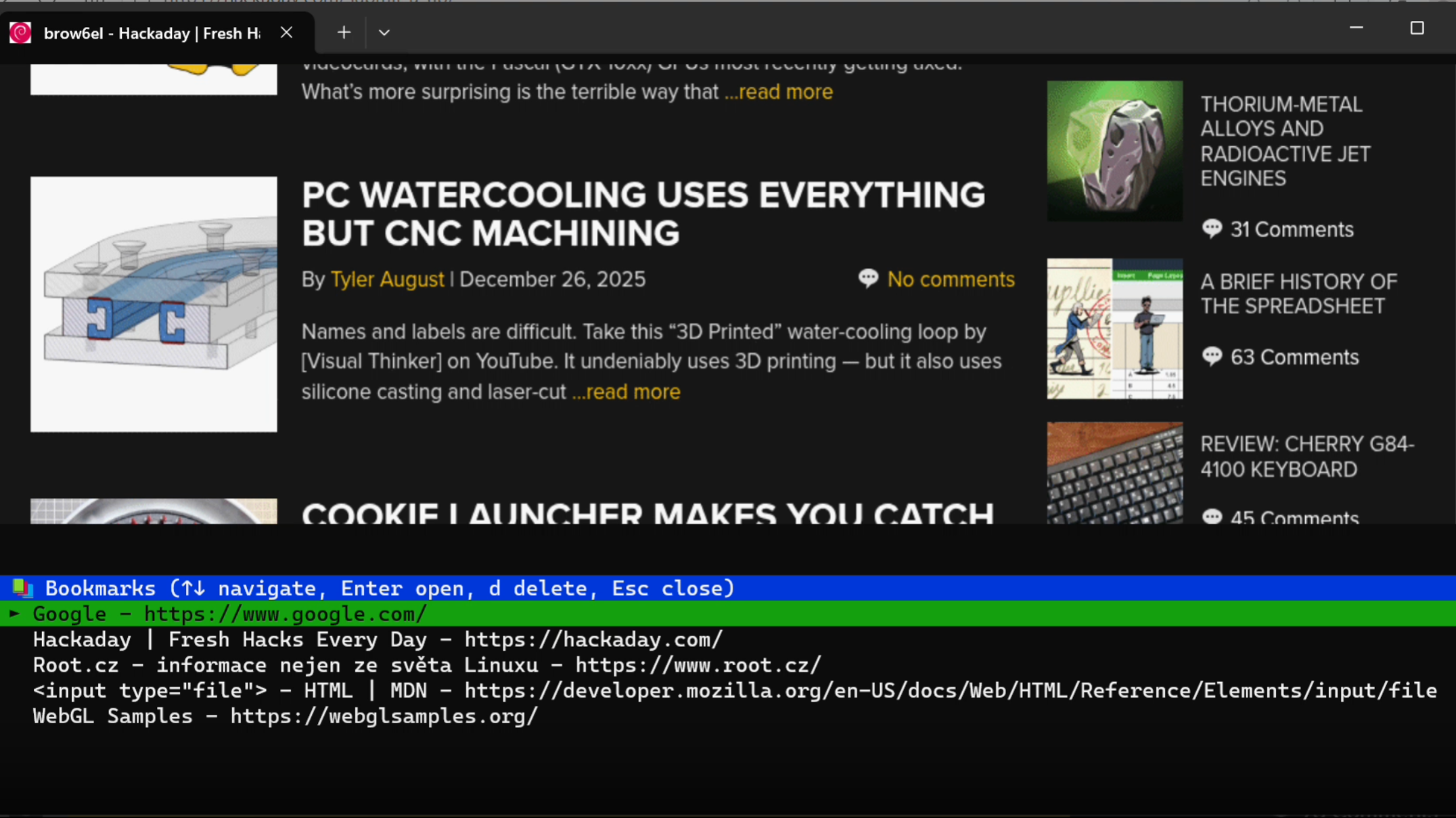
Terminal-Based Web Browsing With Modern Conveniences
Programmers hold to a wide spectrum of positions on software complexity, from the rare command-line purists to the much more common web app developers, and the two extremes rarely meet. One point o…
hackaday.com
What computers should be
Last edited:

People on Firefox not wanting the A.I. crap, follow the instructions:

 www.askvg.com
How to Disable and Remove All AI Features in Mozilla Firefox (December 2025)
This article will help you in getting rid of all AI (Artificial Intelligence) features and services available in Mozilla Firefox to make it an AI-free web brows
People on Firefox not wanting the A.I. crap, follow the instructions:
How to Disable and Remove All AI Features in Mozilla Firefox (December 2025)
This article will help you in getting rid of all AI (Artificial Intelligence) features and services available in Mozilla Firefox to make it an AI-free web brows
Now other than ai going and dying in fire (it's bad for society and fucking bad for the environment) and mozilla getting a CEO who doesn't want Firefox to be an ai turd it will be good when the master kill switch arrives and b) that the settings carried across to other installations via the sync.
though on mobile platforms I think it's still little more than a reskinned chromium.
Yeah, think they indeed can't use their own engine.
My Optiplex 745 is now 20 years old.. it was built somewhere in 2006 and it's still working fine.
specs:
It's the mid tower version.
Core2Duo E 6600 (2.4Ghz)
4GB RAM (4x1 stick) it's original Dell RAM
AMD X1300 (256MB RAM) gfx card it has one of those weird DMS-59 connectors with an adaptor cable so you can use two DVI plugs
The HDD isn't original but old as well, a WD drive 250GB with 1 reallocated sector, it's been that way since ages, it only has that replaced sector and in the last 6-7 years that never changed.
The 745 is the last Dell IIRC that had a Floppy drive which this machine has, it also has a DVD drive, it's not a writer though.
Think that in 2006 this must have been a pretty expensive and high end office machine.
At the moment it's running Linux Mint 21.1, it's not fast by all means but it can still read mail and go online, don't think that it would do 4K Youtube clips though..
My Optiplex 745 is now 20 years old.. it was built somewhere in 2006 and it's still working fine.
specs:
It's the mid tower version.
Core2Duo E 6600 (2.4Ghz)
4GB RAM (4x1 stick) it's original Dell RAM
AMD X1300 (256MB RAM) gfx card it has one of those weird DMS-59 connectors with an adaptor cable so you can use two DVI plugs
The HDD isn't original but old as well, a WD drive 250GB with 1 reallocated sector, it's been that way since ages, it only has that replaced sector and in the last 6-7 years that never changed.
The 745 is the last Dell IIRC that had a Floppy drive which this machine has, it also has a DVD drive, it's not a writer though.
Think that in 2006 this must have been a pretty expensive and high end office machine.
At the moment it's running Linux Mint 21.1, it's not fast by all means but it can still read mail and go online, don't think that it would do 4K Youtube clips though..
Last edited:
Still messing around with the ancient Optiplex, been surfing, downloading images (Linux MX, Linux Lite etc) setting up stuff and the machine is actually not bad, just when loading two or more things makes the harddrive unhappy, it's old and spinning rust isn't the fastest, otherwise it's surprisingly usable, the version of Mint I use has the XFCE desktop environment which helps with the 4GB RAM it has.
21.x is the previous LTS version of Mint, it will be good until halfway next year, I won't upgrade the machine to the next version, the way it works now is really good so that's that.
If I ever decide to put Windows back on then it will probably be 8.1, Win 10 is too heavy and 11 is a bloated joke that currently even makes a Threadripper run slow so..
21.x is the previous LTS version of Mint, it will be good until halfway next year, I won't upgrade the machine to the next version, the way it works now is really good so that's that.
If I ever decide to put Windows back on then it will probably be 8.1, Win 10 is too heavy and 11 is a bloated joke that currently even makes a Threadripper run slow so..

Pretty sure an Optiplex was my last work desktop, though I can't remember the exact specs. They shunted us all over to laptops by Win7.

FedEx says I have a package coming. I click on the delivery map button and it says I have to log in to see it but I am logged in. So I log in again, it shows the map button again, I click again and it tells me I have to log in again. And this keeps happening over and over. Meanwhile, if I click on something else instead of the map, the site clearly shows that I'm already logged in. Anyone know what's going on here? Other sites don't make me do this.
Similar threads
- Replies
- 32
- Views
- 11K

- Replies
- 1
- Views
- 270

- Replies
- 26
- Views
- 2K
If you are not already a member then please register an account and join in the discussion!