
You have some mad skillz
Thanks man.
Because both Voyager and TNG are my fav Trek shows, TNG/VOY Crossover is one of my fav themes when fiddling pics.
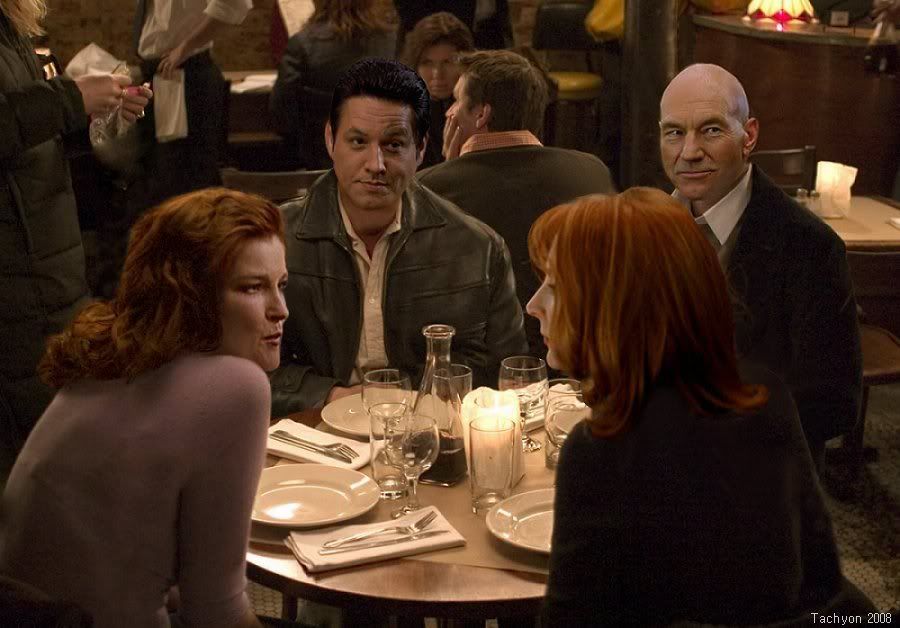
Amazing. I'm going to point a Photochopping friend of mine to your work. This one is also amazing.

You have some mad skillz
Thanks man.
Because both Voyager and TNG are my fav Trek shows, TNG/VOY Crossover is one of my fav themes when fiddling pics.

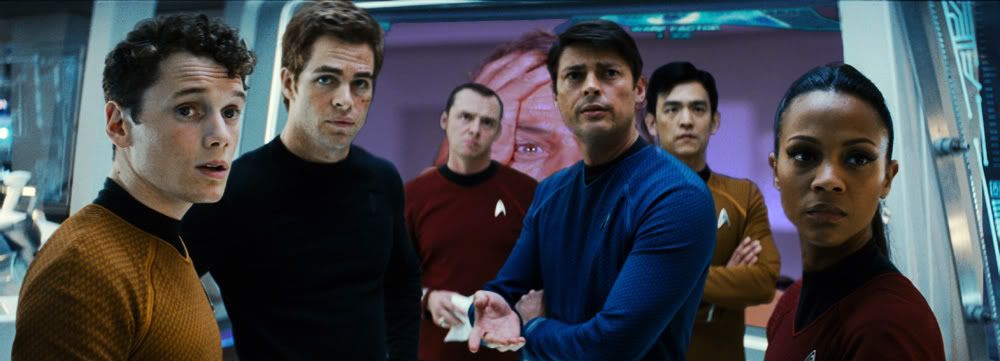
No body believed Spock when he said they were being watched... they were very, very mistaken.
I like the new look to the original style uniforms.

I don't find the lightning problematic. I would suggest that you'd resize Chakotay's head shot a little bit smaller. Maybe Doc's head shot could have a little less contrast in it. Not much, but just a little bit. It could do the trick. Overall, the pic is very good.
My first impressions were that Chakotay's head should be a wee bit smaller, and the doctor seems a little brightly lit. Tuvok is spot-on, though.

Because both Voyager and TNG are my fav Trek shows, TNG/VOY Crossover is one of my fav themes when fiddling pics.


Thanks.
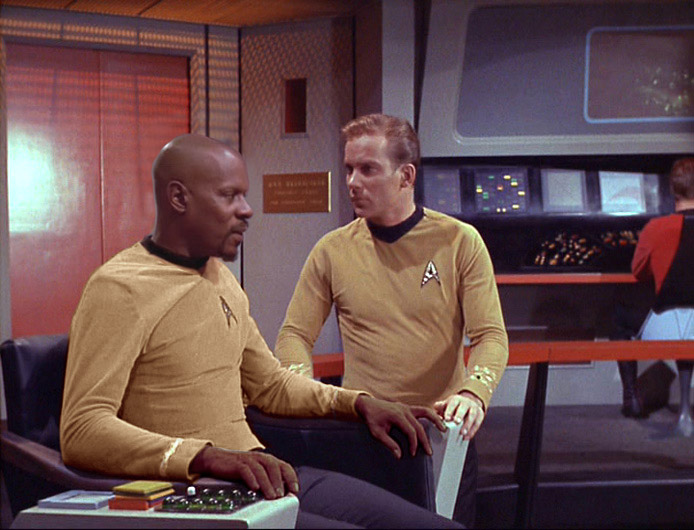
There's something else I'm kind of stuck on... introducing Sisko. I can't figure out how to colorize white skin to brown. I assume that there must be a reasonable way to do it. First, I tried taking a copy of the hands, perform a desaturation, then try to introduce a brownish tone. I couldn't get Photoshop to give me brown tones. I also tried simple hue shifts and darkening... wouldn't work. I then thought about trying a color matching from his facial skin tones, but that seems way too tedious. Any ideas?

Thanks.
There's something else I'm kind of stuck on... introducing Sisko. I can't figure out how to colorize white skin to brown. I assume that there must be a reasonable way to do it. First, I tried taking a copy of the hands, perform a desaturation, then try to introduce a brownish tone. I couldn't get Photoshop to give me brown tones. I also tried simple hue shifts and darkening... wouldn't work. I then thought about trying a color matching from his facial skin tones, but that seems way too tedious. Any ideas?



You should play with the color balance a little too. I don't have much time today, but here is an alternate attempt...There's something else I'm kind of stuck on... introducing Sisko. I can't figure out how to colorize white skin to brown. I assume that there must be a reasonable way to do it. First, I tried taking a copy of the hands, perform a desaturation, then try to introduce a brownish tone. I couldn't get Photoshop to give me brown tones. I also tried simple hue shifts and darkening... wouldn't work. I then thought about trying a color matching from his facial skin tones, but that seems way too tedious. Any ideas?
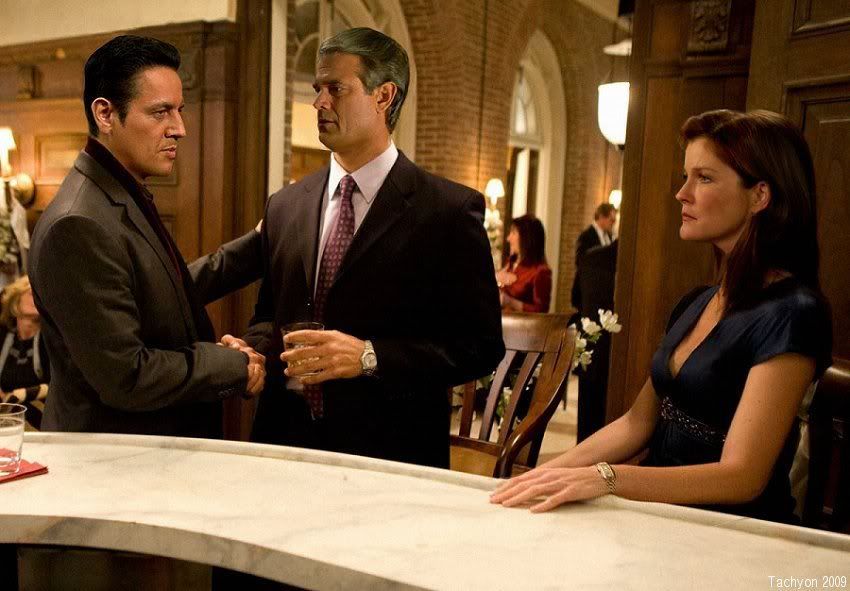
Wow... it is images like that that make me wonder what happen after Voyager returned. That would have made for an interesting episode.This pic is called "Tension". (Yes, I name my pictures. Ha ha. The above with Picard and Bev is called "Dinner in France".)
Did you grab Mulgrew's face from something outside Voyager? I can't tell if that's her hair or if you grafted her face on another woman's head.  Btw, just a suggestion... on the edging of the hair, try using a 3px eraser at 15%. It'll soften up the line so it blends in with the background.

Nice work, Shaw.You should play with the color balance a little too. I don't have much time today, but here is an alternate attempt...
I especially like how you got the chin shadow to match his beard. The hands look pretty good. If the fingernails were lightened a little, I think it would look even more realistic. What kind of blur technique did you use on his head? I've found the default blur often too much... the other blur controls are tricky to work, as there are so many considerations. It would be great to have a percentage control the default blur. Incidentally, what is the scene from? Looks like a 1st season episode.
We use essential cookies to make this site work, and optional cookies to enhance your experience.


